Before approving an AI-generated product video, review it on two levels: does the scene serve the creative idea, and does the product the audience sees match the intended product? Attractive lighting and camera movement do not replace checking the packaging, text, action and message.
This is a suggested review process for brand and production teams. Its examples are fictional, not test results for a particular tool or accounts of MID FILM work. For a broader introduction, read about AI in film production, then use the following questions to review the video itself.
Agree on a product reference first
Prepare clear images of the approved product from the angles needed in the scene, along with final logo and text assets. Identify the intended variant or colour and the person who checks product details for the brand. Without an agreed reference, one reviewer may rely on memory while another uses outdated packaging.
Specify what must be clearly visible and what belongs to an imagined setting or treatment. Presenting packaging in an unreal environment is a creative choice that needs shared understanding; it should not cause an unintended change to the product itself to go unnoticed. Include these decisions in the video ad creative brief before generation or filming.
Compare the product before focusing on effects
Pause at a clear moment and inspect the container’s shape, the lid’s proportions, logo placement and text layout. Ask the product owner which details must remain unchanged in its presentation. Do not approve a shot simply because it looks convincing if the team cannot identify precisely which product it shows.
For a fictional example, imagine a round jar with a flat lid appearing with a domed lid. Even if the scene is attractive, record the shape difference and discuss rebuilding the shot or filming the real product for that element. This illustrates a review decision, not a claim that every tool or output makes the same change.

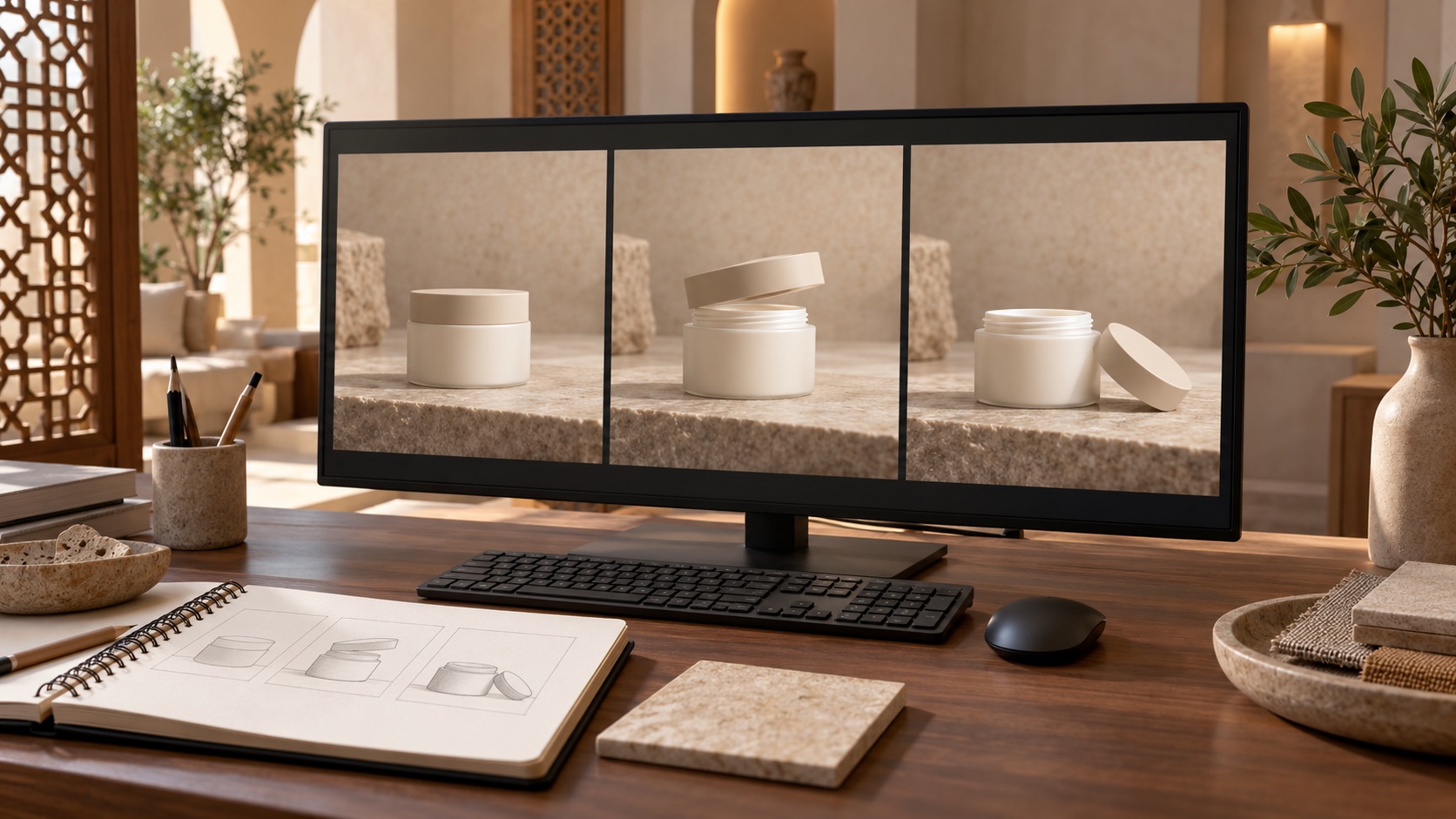
These are AI-generated educational illustrations. The jar and scenes are fictional, not a client product, an actual comparison test or a MID FILM project.
Watch the movement, not just a selected still
Play the whole video, then revisit moments involving opening, lifting or rotation. Track the same object through the action: is the lid’s position understandable, does the number of objects stay consistent, and does the cut preserve the intended action? A still selected from the best moment is not enough to approve a moving sequence.
For a jar-opening example, write the intended sequence first: closed jar, lid lifted, lid placed on the surface. Compare the video with that sequence. If the action needs simplifying or a different angle, discuss the solution before adding effects. This is an editorial decision within commercial video production, rather than a tool-selection question alone.
Read the ad as the viewer will understand it
Review spoken and written words alongside the image. Does the ad show a specification or use that the brand has not approved? Has a phrase or visual outcome introduced an unintended claim? Return to information confirmed by the product owner, and remove or revise anything the team cannot substantiate instead of filling the gap with a guess.
Read text at its intended display size and listen to the voiceover without relying on a transcript. Consider whether a viewer might interpret an imagined scene as a literal product description. If the message is ambiguous, discuss clarifying it or changing the scene; appearance alone cannot resolve that decision.
Decide whether to revise the result or change the method
Classify each note by its effect: product identity, unclear action, text correction or visual preference. Then request a specific proposed solution. Options might include revising a shot, simplifying movement, combining a filmed element with a generated background, or filming the entire scene. No single approach suits every piece of material.
If a fundamental detail remains unresolved, do not make repeated attempts the only plan. Agree on a decision point and an alternative method, and review the effect on scope and timing before approving it. Keep the review version and its reference together so everyone knows which result is being discussed.
Check every final version separately
A product may be clear in landscape while portrait text covers an important detail. Open each required version and review the product’s position, text, ending and sound. If the language or length changes, do not automatically transfer approval from the first version to the others.
Define the list early using the guide to video ad deliverables before filming. Name each file clearly so a note such as “the lid does not match” refers to the correct version and timestamp rather than every file at once.
Send a note the team can act on
Instead of “the video looks AI-generated”, try: “In the portrait version, when the jar opens, the lid becomes larger than the approved reference. We need to preserve its proportions and shape, then review the revised movement.” This ties the problem to a reference and an intended result while leaving execution choices with the team.
Use the first-edit feedback format to organise the version name, timestamp, difference, intended outcome and approver. To discuss AI or filmed elements for a product advertisement, contact MID FILM to plan the project with the product reference, intended use and expected timing.